Context
Overview
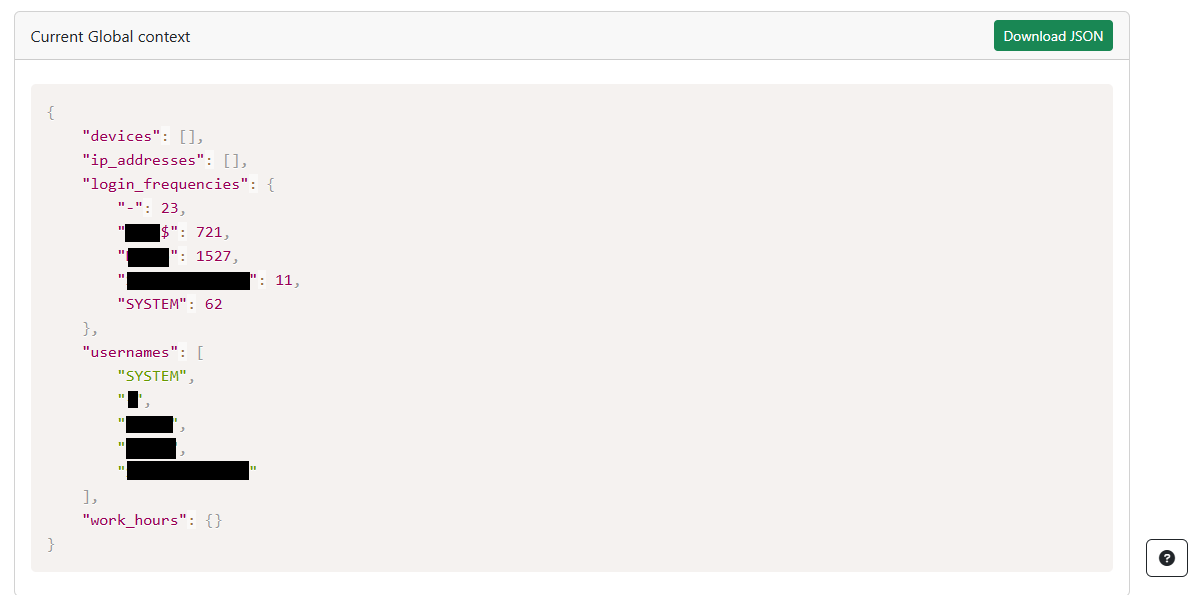
In the BUDA framework, Global context represents traces frome the real environment and the set of parameters that influence every aspect of the activity creation and commands execution. Global context guides the generation of commands and the narrative/user profile/activity types assisted creation.
Updating the Global context in BUDA
Setting up the context involves integrating real-world data and defining parameters that guide the simulation:
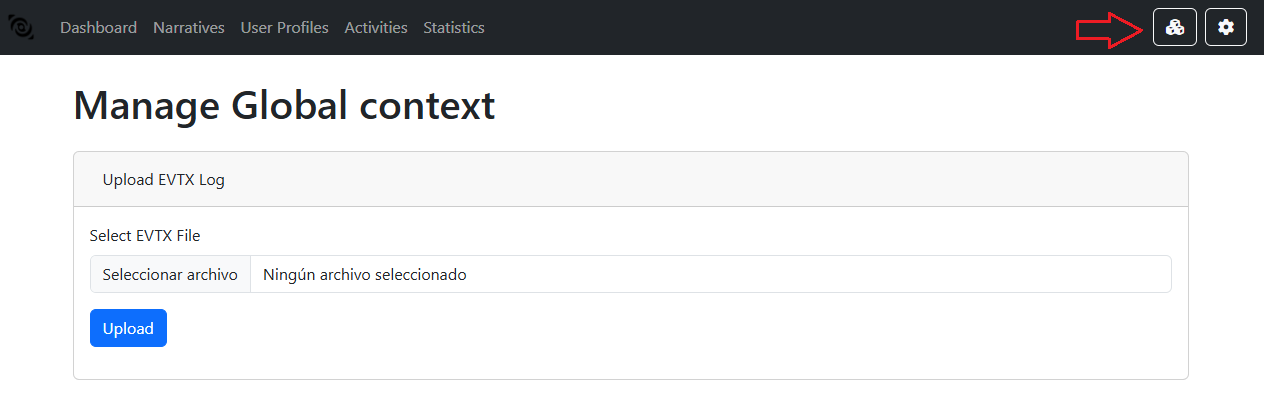
- Upload evtx logs:
Navigate to the Context tab in the BUDA interface.
Select the desired evtx file from your local system and click Open.
The uploaded evtx logs will be displayed in the Uploaded evtx logs section.
Click on the Upload button to import the evtx logs.
- Extracted Elements:
The current definitions of context extractor is going to differentiate: Usernames / Ip Addresses / Device names